DaVinci Resolve Essentials Course (2026) – Complete Video Editing for Beginners
عدد الدروس : 1 عدد ساعات الدورة : 02:35:46 شهادة معتمدة : نعم التسجيل في الدورة للحصول على شهادةللحصول على شهادة
- 1- التسجيل
- 2- مشاهدة الكورس كاملا
- 3- متابعة نسبة اكتمال الكورس تدريجيا
- 4- بعد الانتهاء تظهر الشهادة في الملف الشخصي الخاص بك
عن الدورة
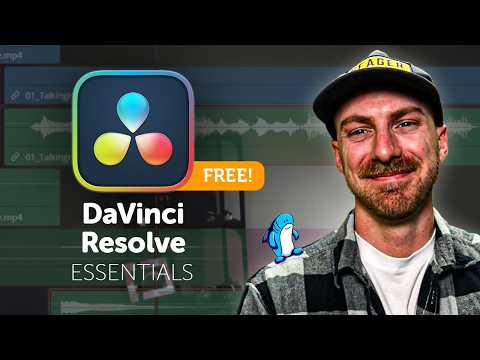
This DaVinci Resolve Essentials course (2026 edition) is a complete structured training program designed for beginners and self-taught editors who want to master professional video editing. It focuses on building strong practical skills by guiding you through real editing workflows instead of just theory.
The course starts with the basics, including downloading DaVinci Resolve, understanding system requirements, and opening the software for the first time. You will learn how to set up project settings correctly, manage frame rates, and create your first timeline.
As you progress, you will work on real editing projects and learn how to build a rough cut, refine edits, and improve storytelling using professional techniques. This includes trimming clips, using keyboard shortcuts, and organizing media efficiently inside the Media Pool.
You will also learn advanced editing concepts such as J-cuts and L-cuts, adding B-roll, selecting music, adjusting audio levels, and applying sound effects to enhance your video quality. The course also covers transitions and polishing techniques to improve flow and engagement.
In addition, you will get an introduction to Fusion for motion graphics and basic color correction workflows inside DaVinci Resolve. Finally, you will learn how to export your finished project using the Deliver Page.
By the end of this course, you will have completed multiple real projects and gained the confidence to edit professional-quality videos from scratch.