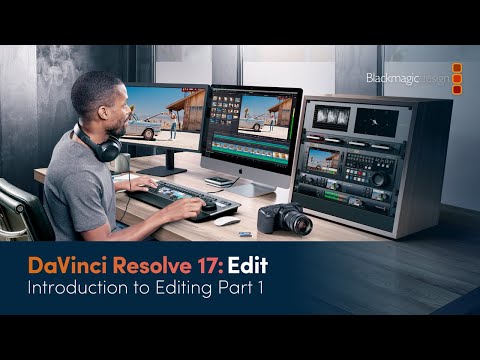
DaVinci Resolve 17 Editing Training – Introduction to Editing (Part 1)
عدد الدروس : 1 عدد ساعات الدورة : 01:09:37 شهادة معتمدة : نعم التسجيل في الدورة للحصول على شهادةللحصول على شهادة
- 1- التسجيل
- 2- مشاهدة الكورس كاملا
- 3- متابعة نسبة اكتمال الكورس تدريجيا
- 4- بعد الانتهاء تظهر الشهادة في الملف الشخصي الخاص بك
عن الدورة
This official DaVinci Resolve 17 training video introduces the fundamentals of video editing using the Edit Page. It is designed to help beginners understand the core workflow used in professional post-production environments.
The lesson starts with an overview of the editing process and explains how storytelling is built through structured timeline editing. You will learn how to import media correctly into DaVinci Resolve and organize your clips in a clean and efficient way using bins and folders.
A key focus of this training is metadata management, which helps editors sort, search, and manage large amounts of footage more efficiently. Understanding metadata improves workflow speed and project organization, especially in professional environments.
The course then moves into the practical editing process, where you will learn how to assemble a rough cut. This includes selecting the best shots, placing clips on the timeline, and building the foundation of a complete video sequence.
By the end of this lesson, you will understand how to navigate the Edit Page confidently, manage your media professionally, and begin shaping a structured edit. This training is ideal for beginners who want to develop strong editing fundamentals using DaVinci Resolve 17.