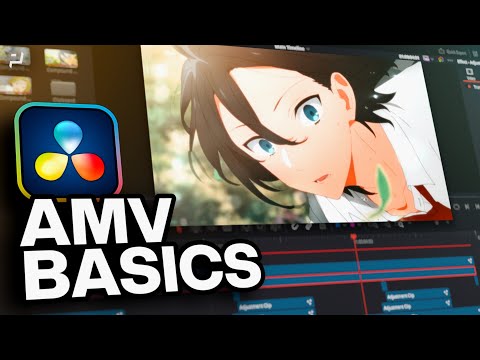
DaVinci Resolve AMV Editing Beginner Walkthrough – Full Anime Edit Tutorial
عدد الدروس : 1 عدد ساعات الدورة : 00:50:43 شهادة معتمدة : نعم التسجيل في الدورة للحصول على شهادةللحصول على شهادة
- 1- التسجيل
- 2- مشاهدة الكورس كاملا
- 3- متابعة نسبة اكتمال الكورس تدريجيا
- 4- بعد الانتهاء تظهر الشهادة في الملف الشخصي الخاص بك
قائمة الدروس
عن الدورة
This DaVinci Resolve AMV beginner walkthrough teaches how to create anime music videos using a complete editing workflow inside DaVinci Resolve 18. The tutorial is designed for beginners who want to learn fast-paced editing styles commonly used in AMV and anime edit communities.
The lesson starts with project setup, including optimization settings, cache configuration, and timeline organization. You will learn how to structure your workflow using bins and stacked timelines for better editing efficiency.
A major focus of the course is cutting and syncing footage to music, which is essential for creating impactful AMV edits. You will also learn how to use compound clips to manage complex sequences more effectively.
The tutorial then introduces Fusion basics, including nodes, keyframing, and motion control. These tools are used to create dynamic effects such as zooms, fake zooms, mirrored edges, and smooth transitions.
You will also explore advanced visual effects like slow motion (Twixtor-style), directional blur, shakes, exposure adjustments, and flicker effects to enhance energy and rhythm in your edits.
Finally, the course covers color grading and final polish techniques to make the video look more cinematic and visually engaging.
By the end, you will understand how to create professional-quality AMV edits using DaVinci Resolve with a full creative workflow.