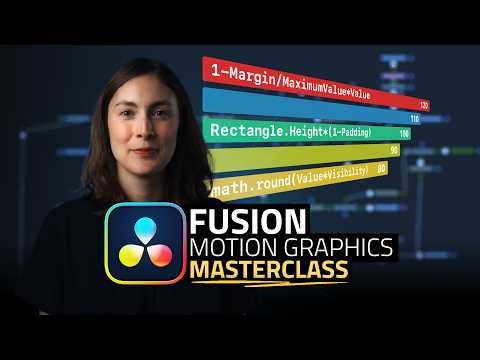
Motion Graphics in DaVinci Resolve Fusion – Expressions & Macros (Advanced Tutorial)
عدد الدروس : 1 عدد ساعات الدورة : 00:41:34 شهادة معتمدة : نعم التسجيل في الدورة للحصول على شهادةللحصول على شهادة
- 1- التسجيل
- 2- مشاهدة الكورس كاملا
- 3- متابعة نسبة اكتمال الكورس تدريجيا
- 4- بعد الانتهاء تظهر الشهادة في الملف الشخصي الخاص بك
قائمة الدروس
عن الدورة
This DaVinci Resolve Fusion tutorial explores advanced motion graphics techniques using expressions and macros to create dynamic and reusable visual elements. It focuses on building professional-level animations directly inside Fusion, often compared to traditional motion graphics software like After Effects.
The lesson begins with setup and custom control creation, allowing you to build flexible animation systems. You will learn how to design user-friendly controls that make complex animations easier to manage and adjust.
A key part of the tutorial is working with expressions, which allow you to link parameters together and automate animation behavior. This helps create responsive motion graphics that update dynamically based on input values.
The course also covers the creation of labels, titles, and data-driven visuals such as animated graph systems. These elements are commonly used in modern motion design, UI animations, and infographic-style content.
You will then learn how to build and organize macros, which allow you to save complex node setups as reusable tools. This significantly speeds up workflow and makes advanced effects easier to reuse across projects.
The tutorial also explores masking, linking controls, and animation techniques that bring motion graphics to life. By combining expressions and macros, you can create highly customizable and professional animation systems.
By the end, you will understand how Fusion can be used as a powerful alternative for motion graphics creation inside DaVinci Resolve.