Flutter Google Maps Tutorial | Location Tracking, Maps, Markers, Polylines & Directions API
عدد الدروس : 1 عدد ساعات الدورة : 00:39:20 شهادة معتمدة : نعم التسجيل في الدورة للحصول على شهادةللحصول على شهادة
- 1- التسجيل
- 2- مشاهدة الكورس كاملا
- 3- متابعة نسبة اكتمال الكورس تدريجيا
- 4- بعد الانتهاء تظهر الشهادة في الملف الشخصي الخاص بك
قائمة الدروس
عن الدورة
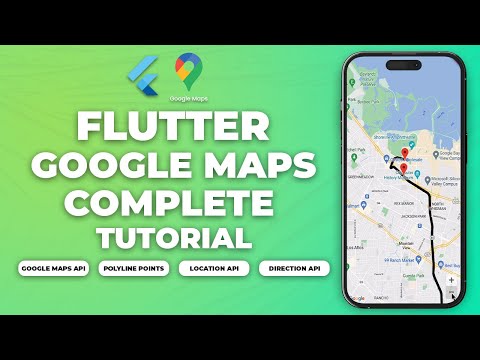
This Flutter Google Maps tutorial is a complete guide to building real-world location-based applications using Flutter. You will learn how to integrate maps, track live locations, and draw routes between points using Google’s mapping services.
You will start by setting up Google Maps in Flutter and configuring the required API key. Then you will learn how to display interactive maps and control camera movement for a smooth user experience.
Next, you will implement location tracking to get the user’s current GPS position in real time. This is essential for apps like delivery tracking, ride-sharing, and navigation systems.
You will also learn how to add custom markers to represent locations such as pickup points, destinations, or points of interest. These markers can be styled and updated dynamically based on user interaction.
After that, you will implement polylines to draw routes between two locations on the map, giving users a clear visual path. You will also use the Directions API to calculate accurate routes, distance, and estimated travel time.
By the end of this tutorial, you will be able to build fully functional Flutter apps with live tracking, interactive maps, and route navigation feat