Mastering Flutter Google Maps | Part 2 | User Location & Selecting Location on Map
عدد الدروس : 1 عدد ساعات الدورة : 00:20:24 شهادة معتمدة : نعم التسجيل في الدورة للحصول على شهادةللحصول على شهادة
- 1- التسجيل
- 2- مشاهدة الكورس كاملا
- 3- متابعة نسبة اكتمال الكورس تدريجيا
- 4- بعد الانتهاء تظهر الشهادة في الملف الشخصي الخاص بك
عن الدورة
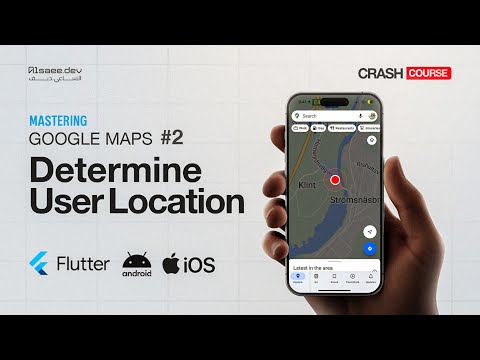
In this second part of the Mastering Flutter Google Maps series, you will learn how to work with user location and interactive map selection using Flutter and Google Maps. This is an essential feature for building real-world location-based applications such as delivery apps, ride-sharing systems, and booking platforms.
You will start by implementing user current location detection using GPS. This allows the app to automatically find and display the user’s real-time position on the map. You will also handle location permissions properly for both Android and iOS to ensure smooth functionality.
Next, you will learn how to allow users to select a custom location directly on the map. This is done by interacting with the map interface, placing markers, and updating the selected position dynamically based on user input.
You will also work on syncing the selected location with your application state so it can be used later for features like booking, navigation, or route calculation.
By combining user location tracking and manual location selection, you create a powerful foundation for any map-based Flutter application.
By the end of this part, you will be able to build interactive map features that allow users to both detect their current location and choose destinations