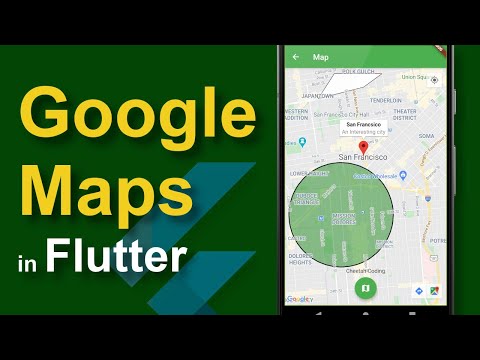
How to Use Google Maps in Flutter Apps - Part 1
عدد الدروس : 1 عدد ساعات الدورة : 00:28:54 شهادة معتمدة : نعم التسجيل في الدورة للحصول على شهادةللحصول على شهادة
- 1- التسجيل
- 2- مشاهدة الكورس كاملا
- 3- متابعة نسبة اكتمال الكورس تدريجيا
- 4- بعد الانتهاء تظهر الشهادة في الملف الشخصي الخاص بك
قائمة الدروس
عن الدورة
This first part of the Flutter Google Maps series teaches you how to integrate Google Maps into a Flutter application from scratch. It is designed for beginners who want to build map-based mobile apps such as ride-sharing, delivery, and navigation systems.
You will start by setting up the Flutter project and adding the required Google Maps dependencies. You will also learn how to create and configure a Google Maps API key, which is necessary for enabling map services inside your app.
Next, you will integrate the Google Maps widget into your Flutter application and display your first interactive map. You will understand how to control the initial camera position, zoom level, and map behavior.
The tutorial also explains how Flutter communicates with native Android and iOS map services to render maps smoothly across platforms. This gives you a better understanding of how cross-platform map integration works.
In addition, you will explore basic map interactions such as zooming, panning, and user gestures that improve the user experience.
By the end of this tutorial, you will have a working Flutter app with Google Maps fully integrated and ready for advanced features like markers,