Beginner Blender Tutorial 2026 | Learn 3D Modeling From Scratch
عدد الدروس : 1 عدد ساعات الدورة : 04:19:10 شهادة معتمدة : نعم التسجيل في الدورة للحصول على شهادةللحصول على شهادة
- 1- التسجيل
- 2- مشاهدة الكورس كاملا
- 3- متابعة نسبة اكتمال الكورس تدريجيا
- 4- بعد الانتهاء تظهر الشهادة في الملف الشخصي الخاص بك
قائمة الدروس
عن الدورة
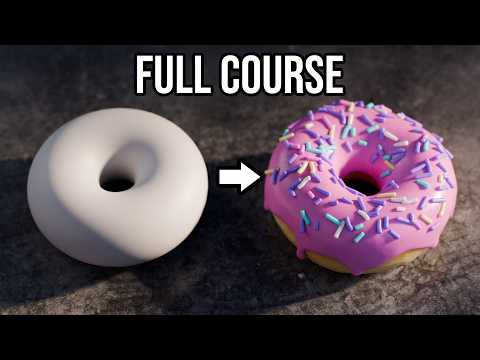
This updated beginner introduction to Blender is designed to help new users understand the complete 3D workflow using a modern version of the software. It focuses on clarity, practical understanding, and building strong foundational skills that apply to any 3D project.
The lesson begins with the Blender interface. You are introduced to the main layout, including the 3D viewport, Outliner, Properties panel, and toolbars. Each section plays a specific role in helping you create and manage 3D scenes efficiently. Understanding how these areas connect is the first step toward working confidently in Blender.
Next, you learn navigation inside the 3D viewport. This includes orbiting around objects, zooming in and out, and panning across the scene. Since 3D space can feel unfamiliar at first, mastering navigation is essential for smooth workflow and spatial understanding.
After that, the tutorial moves into object manipulation. You learn how to select objects and use transformation tools like move, rotate, and scale. These tools are the foundation of all 3D work, whether you are building environments, characters, or simple props.
The modeling section introduces the core idea of building shapes from primitives like cubes and spheres. You enter Edit Mode to work directly with geometry, using vertices, edges, and faces. Tools such as extrusion and loop cuts allow you to reshape and refine objects into more complex forms.
Shading and materials are then introduced to bring realism and style to your models. You learn how surface properties like color, roughness, and metallic values affect the way light interacts with an object. This transforms basic geometry into visually appealing assets.
Lighting is covered as a key element of presentation. You explore how different light setups influence mood, depth, and realism in a scene. Proper lighting helps define shapes and improve overall visual quality.
Finally, rendering is introduced as the process of generating the final image from your 3D scene. You learn how rendering engines work, how to adjust settings, and how to export your final result in a clean format.