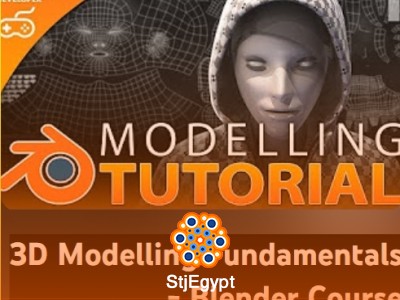

The course begins with an overview of Blender’s interface and navigation, helping learners understand how to move around the viewport and interact with objects efficiently. It then introduces essential UI components such as the toolbar and properties panel.
Learners are guided through fundamental skills including object selection, transformation tools, and visibility controls, which are critical for managing and editing 3D scenes.
As the course progresses, it explains different mesh selection modes and how to work with vertices, edges, and faces. These concepts are essential for building and modifying 3D models accurately.
The course also introduces basic modeling techniques, including extrusion and shape creation, allowing learners to start building simple game-ready assets.
Each lesson is short and focused, making it easy for beginners to follow and practice step by step.
By the end of this course, learners will have a solid understanding of Blender basics and will be able to create simple 3D models suitable for games and beginner projects.