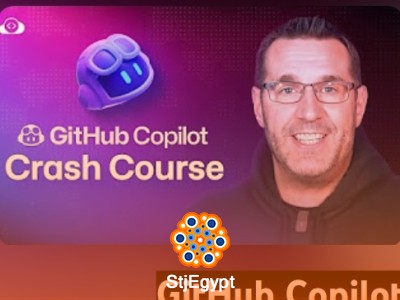

This GitHub Copilot crash course is designed for developers who want a complete and practical understanding of AI-assisted programming. The course covers everything from installation and setup to advanced usage, making it suitable for beginners and intermediate developers who want to improve their coding workflow using AI.
Students will start by learning how to install and configure GitHub Copilot in Visual Studio Code. The course then demonstrates how AI code completion works and how developers can use it to speed up development, reduce errors, and improve productivity. Learners will also explore how Copilot assists in handling errors and working with APIs, making it a powerful tool for modern software development.
A key part of the course focuses on building real projects, including a complete Python project created with the help of GitHub Copilot. This hands-on experience helps learners understand how to apply AI tools in real-world coding scenarios.
In addition, the course discusses the pros and cons of using GitHub Copilot, helping developers understand when and how to use AI responsibly. It also introduces AI pair programming, showing how Copilot can act as a collaborative coding assistant that transforms the development workflow.
By the end of the course, learners will be able to confidently use GitHub Copilot to build applications faster, write cleaner code, and enhance their overall programming efficiency.