BIM Training Course for Beginners Using Revit
عدد الدروس : 12 عدد ساعات الدورة : 05:45:40 شهادة معتمدة : نعم التسجيل في الدورة للحصول على شهادةللحصول على شهادة
- 1- التسجيل
- 2- مشاهدة الكورس كاملا
- 3- متابعة نسبة اكتمال الكورس تدريجيا
- 4- بعد الانتهاء تظهر الشهادة في الملف الشخصي الخاص بك
قائمة الدروس
عن الدورة
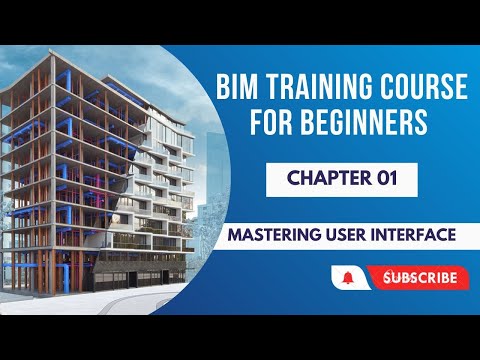
This BIM training course is designed for beginners who want to learn Building Information Modeling (BIM) using Autodesk Revit through a complete project-based approach. The course starts by mastering the Revit user interface, helping learners become comfortable with navigation, views, and basic tools.
Learners will then progress to core modeling skills, including linking CAD files, setting up grids and columns, and placing architectural elements such as walls, doors, windows, floors, ceilings, and staircases. The course explains editing and modification techniques to ensure models are accurate and well-structured.
Advanced topics include placing components and furniture, setting up cameras for rendering, and creating professional sheets with proper views and layouts. Learners will also learn how to create custom tags and annotation tools to improve documentation quality. Massing techniques are covered to help understand conceptual design within Revit.
The course concludes with practical BIM deliverables, including schedules, material takeoff for doors and windows, and exporting models to IFC, Navisworks (NWC), and CAD formats.
This course is ideal for architecture students, civil engineers, BIM beginners, and professionals who want to build a strong foundation in BIM and Revit for real construction projects.