Google Meet Quick Guide – Setup, Screen Sharing & Meeting Basics
عدد الدروس : 10 عدد ساعات الدورة : 00:11:22 شهادة معتمدة : نعم التسجيل في الدورة للحصول على شهادةللحصول على شهادة
- 1- التسجيل
- 2- مشاهدة الكورس كاملا
- 3- متابعة نسبة اكتمال الكورس تدريجيا
- 4- بعد الانتهاء تظهر الشهادة في الملف الشخصي الخاص بك
قائمة الدروس
عن الدورة
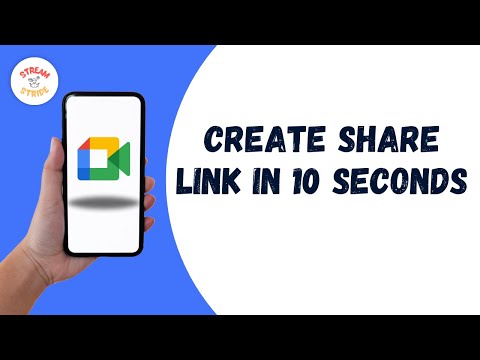
This Google Meet Quick Guide is designed to help beginners quickly learn how to use Google Meet for online meetings and communication. It provides simple, step-by-step instructions for getting started and using essential features داخل Google Workspace.
The course begins with how to download and install Google Meet on different devices, including Android and Mac, ensuring users can access the platform بسهولة من أي جهاز.
It then explains how to join meetings using invite links, which is one of the most common ways to participate in online meetings سواء للعمل أو الدراسة.
A key focus is on screen sharing, including how to share your screen with or without audio, making it easier to present content, explain ideas, or collaborate with others in real-time.
The tutorial also covers basic personalization features مثل تغيير اسم المستخدم أثناء الاجتماعات، مما يساعد على تحسين تجربة التواصل داخل الفرق.
Additionally, learners will understand how to start meetings quickly and manage basic settings for a smooth experience.
By the end of this course, users will be able to confidently install, set up, and use Google Meet for meetings, presentations, and comm