
This course focuses on essential macOS setup tasks, helping beginners and new users configure their Mac correctly and manage their data بسهولة واحترافية. It covers everything you need to get started with a new Mac or transfer from an old device.
You will begin by learning how to set up your Mac using an iPhone or iPad, making the initial setup process faster and more convenient. The course also explains how to create and sign in to your Apple Account, which is required to access all Apple services.
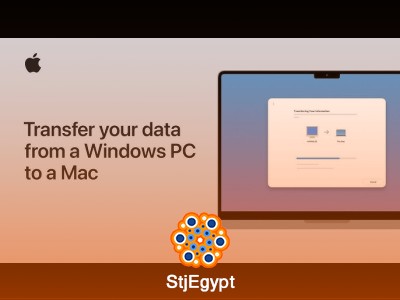
A key part of the course is data transfer. You will learn how to move your files from a Windows PC to a Mac using Migration Assistant, as well as how to transfer data between two Mac devices seamlessly.
The course also covers system updates, showing you how to keep macOS up to date for better performance and security. In addition, you will learn how to use Time Machine to back up your files and restore them when needed.
These skills are essential for protecting your data and ensuring a smooth transition when switching devices.
By the end of this course, you will be able to set up your Mac, manage your Apple Account, transfer files safely, and handle backups with confidence







