Flutter - Trippo Ride Sharing App (Uber Clone) - Show Fare Screen on Users App [Part-12]
عدد الدروس : 1 عدد ساعات الدورة : 00:58:10 شهادة معتمدة : نعم التسجيل في الدورة للحصول على شهادةللحصول على شهادة
- 1- التسجيل
- 2- مشاهدة الكورس كاملا
- 3- متابعة نسبة اكتمال الكورس تدريجيا
- 4- بعد الانتهاء تظهر الشهادة في الملف الشخصي الخاص بك
قائمة الدروس
عن الدورة
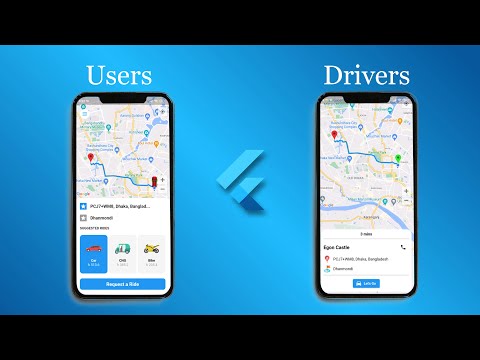
In this twelfth part of the Trippo Ride Sharing App series, you will implement the fare calculation and display screen in the user application. This feature is essential in any ride-sharing system because it allows users to see the estimated cost of their trip before booking.
You will start by calculating the fare based on route details such as distance and duration, which were previously retrieved using Google Maps Directions API. These values are used to generate an accurate price estimate for the ride.
Next, you will design and build a dedicated fare screen that displays all trip information in a clear and user-friendly layout. This includes pickup location, dropoff location, distance, estimated time, and the final fare amount.
You will also learn how to structure the UI so that the fare screen feels modern and professional, similar to real-world ride-sharing applications. Proper state management ensures that any changes in route or location are automatically reflected in the fare calculation.
Additionally, you will connect this screen with previous features such as location selection and route drawing to create a seamless booking flow.
By the end of this part, your Flutter ride-sharing app will be able to calculate and display ride fares dynamically, completing an important


