Flutter - Trippo Ride Sharing App (Uber Clone) - Send Push Notification to Driver 1 [Part-14]
عدد الدروس : 2 عدد ساعات الدورة : 01:39:20 شهادة معتمدة : نعم التسجيل في الدورة للحصول على شهادةللحصول على شهادة
- 1- التسجيل
- 2- مشاهدة الكورس كاملا
- 3- متابعة نسبة اكتمال الكورس تدريجيا
- 4- بعد الانتهاء تظهر الشهادة في الملف الشخصي الخاص بك
قائمة الدروس
عن الدورة
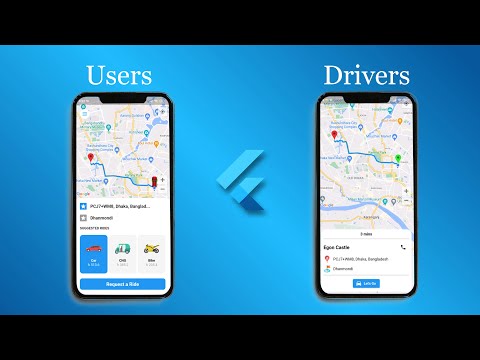
In this fourteenth part of the Trippo Ride Sharing App series, you will implement push notifications to notify drivers about new ride requests. This is a key feature in any ride-sharing platform, ensuring real-time communication between users and drivers.
You will start by integrating Firebase Cloud Messaging (FCM) into the driver application. This allows the app to receive notifications even when it is running in the background or closed. You will configure the necessary Firebase settings and permissions for Android and iOS.
Next, you will set up the logic to send a notification from the user app when a ride request is created. The notification will include important details such as pickup location, dropoff location, and ride information.
On the driver side, you will handle incoming notifications and display them properly so the driver can quickly respond to new ride requests. You will also learn how to manage notification payloads and extract useful data from them.
This part focuses on creating a real-time communication bridge between users and drivers, which is essential for ride-sharing applications like Uber or Bolt.
By the end of this section, your Flutt


