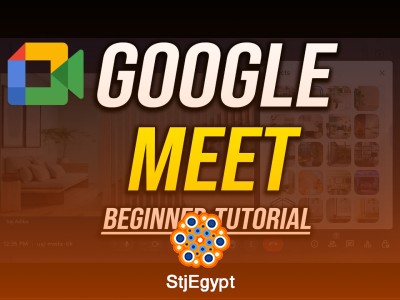

Master Google Meet with this beginner-friendly course designed to help users confidently join, manage, and participate in online meetings. Whether you are a student, remote worker, teacher, or business professional, this course provides practical training on the most important Google Meet features for smooth virtual communication.
You will start by learning how to set up and use Google Meet for video conferencing, including how to check your microphone and camera before joining meetings to avoid technical problems. The course also explains how to customize backgrounds and apply visual effects to improve your online meeting appearance and create a more professional environment.
In addition, you will discover how to use essential in-call controls such as muting microphones, managing cameras, sharing screens, and interacting during meetings. The training also covers changing screen layouts for a better viewing experience and finding