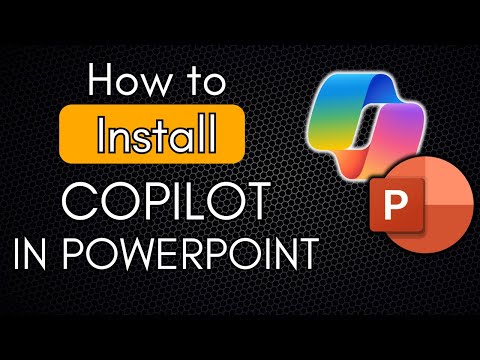
Microsoft Copilot in PowerPoint | Create Presentations Faster with AI (2025–2026)
عدد الدروس : 6 عدد ساعات الدورة : 00:09:58 شهادة معتمدة : نعم التسجيل في الدورة للحصول على شهادةللحصول على شهادة
- 1- التسجيل
- 2- مشاهدة الكورس كاملا
- 3- متابعة نسبة اكتمال الكورس تدريجيا
- 4- بعد الانتهاء تظهر الشهادة في الملف الشخصي الخاص بك
قائمة الدروس
عن الدورة
This course is a practical guide to using Microsoft Copilot in PowerPoint to create professional presentations faster and smarter. Designed for beginners and business professionals, the course starts by explaining how to install and enable Copilot in PowerPoint, including what features are available in the free version versus paid plans.
Learners will discover how to generate complete PowerPoint presentations from simple prompts, Word documents, and PDF files using Copilot. The course demonstrates how Copilot can automatically structure slides, create titles, summarize content, and improve slide clarity in just seconds.
You will also learn how to refine AI-generated slides, adjust layouts, rewrite slide text, and quickly transform rough ideas into polished presentations. Short tutorials show real-world workflows such as converting reports into presentations, creating slides for meetings, and speeding up daily presentation tasks.
By the end of the course, learners will understand how to use Copilot in PowerPoint efficiently, avoid common mistakes, and save hours of manual work—making AI an essential part of their presentation workflow in 2025 and beyond.