Power Automate Desktop RPA Course: Automate Tasks خطوة بخطوة
عدد الدروس : 7 عدد ساعات الدورة : 01:25:57 شهادة معتمدة : نعم التسجيل في الدورة للحصول على شهادةللحصول على شهادة
- 1- التسجيل
- 2- مشاهدة الكورس كاملا
- 3- متابعة نسبة اكتمال الكورس تدريجيا
- 4- بعد الانتهاء تظهر الشهادة في الملف الشخصي الخاص بك
قائمة الدروس
عن الدورة
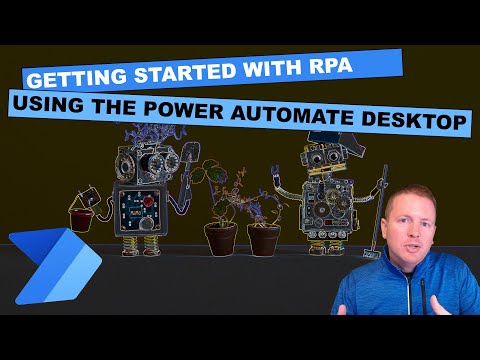
This hands-on course by Pragmatic Works introduces Robotic Process Automation (RPA) using Microsoft Power Automate Desktop. It is designed to help beginners understand how to automate repetitive desktop tasks efficiently وبخطوات بسيطة.
The course starts with an introduction to RPA concepts and guides learners through creating their first desktop flow. You will learn how to build basic automation processes and understand how Power Automate Desktop interacts with applications and system resources.
A key focus of the course is working with variables, passing data between flows, and looping over values to create dynamic and flexible automation solutions. Learners will also explore how to use subflows to organize and reuse automation logic, making workflows more efficient and scalable.
Practical use cases include automating PDF tasks such as merging files, which is a common requirement in many business environments. These real-world examples help learners apply automation techniques effectively في العمل.
The course also includes a preview of a full RPA in a Day program, giving learners insight into advanced automation possibilities.
By the end of this course, you will be able to design, build, and manage desktop automation workflows باستخدام Power Automate Desktop and RPA tools.