Color Grading Masterclass in Adobe Premiere Pro: Cinematic Editing from Beginner to Pro
عدد الدروس : 66 عدد ساعات الدورة : 14:03:22 شهادة معتمدة : نعم التسجيل في الدورة للحصول على شهادةللحصول على شهادة
- 1- التسجيل
- 2- مشاهدة الكورس كاملا
- 3- متابعة نسبة اكتمال الكورس تدريجيا
- 4- بعد الانتهاء تظهر الشهادة في الملف الشخصي الخاص بك
قائمة الدروس
عن الدورة
This comprehensive color grading masterclass in Adobe Premiere Pro is designed to help you achieve professional cinematic results, whether you are a beginner or an experienced video editor. The course takes you step by step through real-world workflows used by professional colorists in the film and video industry.
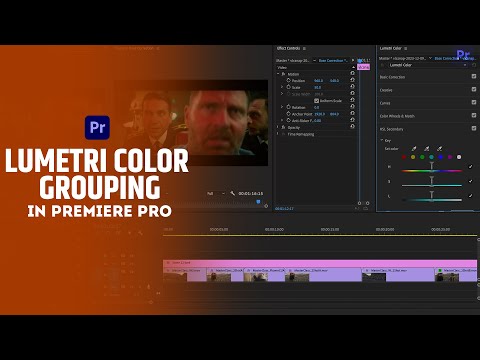
You will begin by understanding the difference between color correction and color grading, building a strong foundation for improving your footage. The course then dives deep into the Lumetri Color panel, explaining tools like vectorscopes, exposure settings, and color balancing techniques.
A major focus of the course is creating cinematic looks, including popular styles such as teal and orange, moody tones, and natural color grading. You will also learn how to correct skin tones accurately and fix common issues like overexposed or underexposed footage.
In addition, the course covers working with LUTs (Look-Up Tables), including how to apply, create, and manage both technical and creative LUTs. You will also explore workflows for handling RAW footage and optimizing your final export settings.