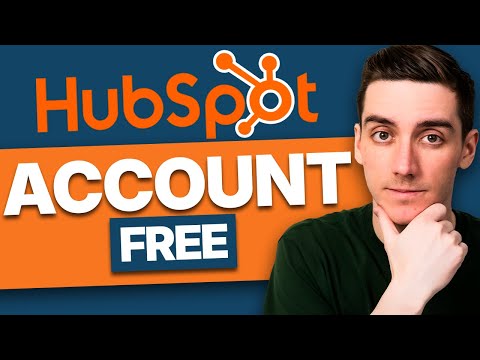
HubSpot CRM Step-by-Step Beginner Guide – Contacts, Deals & Setup
عدد الدروس : 9 عدد ساعات الدورة : 00:15:44 شهادة معتمدة : نعم التسجيل في الدورة للحصول على شهادةللحصول على شهادة
- 1- التسجيل
- 2- مشاهدة الكورس كاملا
- 3- متابعة نسبة اكتمال الكورس تدريجيا
- 4- بعد الانتهاء تظهر الشهادة في الملف الشخصي الخاص بك
قائمة الدروس
عن الدورة
This beginner-friendly tutorial series explains how to get started with the HubSpot CRM and manage essential business data efficiently. It is designed for complete beginners who want a simple step-by-step introduction to CRM usage.
The course begins with how to create a free HubSpot CRM account and set up your workspace. This is the first step toward organizing customer relationships in a structured system.
Next, you will learn how to add and manage contacts inside the CRM. This includes importing contact lists, viewing contact records, and understanding how customer data is structured.
The tutorials also explain how to add companies, giving you a complete view of business relationships linked to your contacts. This helps improve organization and tracking.
In addition, you will learn how to connect HubSpot CRM with Gmail, allowing you to manage emails directly inside the platform for better communication tracking.
The series also covers how to schedule meetings, create deals, and manage sales pipelines step by step. These tools help businesses track opportunities and close deals more effectively.
Finally, you will learn how to add users to your CRM account, making it easier for teams to collaborate and manage customer data together.
This guide is ideal for beginners, small business owners, and sales teams who want to start using HubSpot CRM from scratch.