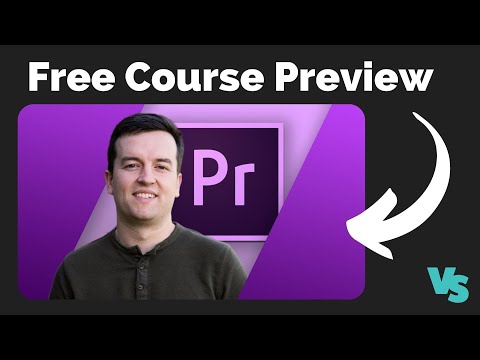
Free Adobe Premiere Pro Course – Learn Video Editing from Scratch
عدد الدروس : 2 عدد ساعات الدورة : 02:44:09 شهادة معتمدة : نعم التسجيل في الدورة للحصول على شهادةللحصول على شهادة
- 1- التسجيل
- 2- مشاهدة الكورس كاملا
- 3- متابعة نسبة اكتمال الكورس تدريجيا
- 4- بعد الانتهاء تظهر الشهادة في الملف الشخصي الخاص بك
قائمة الدروس
عن الدورة
This free course is designed to help beginners learn professional video editing using Adobe Premiere Pro. It provides a complete introduction to the essential editing tools and workflows needed to create high-quality video content for YouTube, social media, and creative projects.
Students begin by learning the Premiere Pro interface, including workspace setup, timeline navigation, media import, and project organization. The course explains how to manage video files efficiently and build a smooth editing workflow.
A major focus is basic video editing techniques such as cutting, trimming, arranging clips, and building a clean storytelling structure. Learners will also understand how to apply transitions, simple effects, and motion adjustments to improve the overall visual quality of their videos.
The course includes audio editing basics such as syncing sound, adjusting audio levels, adding background music, and improving sound clarity. Students will also learn simple color correction techniques to make videos look more professional and visually balanced.
Finally, the course explains export settings and rendering options for platforms like YouTube and social media. By the end of this free course, learners will have the confidence to edit and export complete video projects using Adobe Premiere Pro.