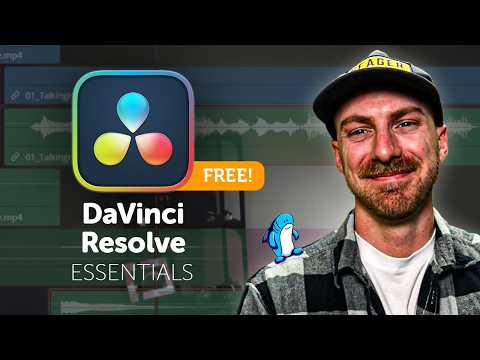
Everything You Need to Start Editing in DaVinci Resolve (2026 Edition)
عدد الدروس : 1 عدد ساعات الدورة : 02:35:46 شهادة معتمدة : نعم التسجيل في الدورة للحصول على شهادةللحصول على شهادة
- 1- التسجيل
- 2- مشاهدة الكورس كاملا
- 3- متابعة نسبة اكتمال الكورس تدريجيا
- 4- بعد الانتهاء تظهر الشهادة في الملف الشخصي الخاص بك
عن الدورة
o give new users everything they need to start editing professionally using DaVinci Resolve. It focuses on building a strong foundation so learners can confidently begin video editing from day one.
Students start by understanding how to set up DaVinci Resolve correctly, including installation, project creation, and interface navigation. The course explains how the different pages in Resolve work together to create a complete editing workflow.
A major focus is essential video editing skills such as importing footage, organizing media, cutting clips, trimming sequences, and arranging timelines for clear storytelling. These core skills form the base of all professional video editing.
The course also introduces transitions, simple effects, and basic motion tools to improve video flow and visual presentation. Learners will understand how to make edits smoother and more engaging.
In addition, students learn basic audio editing, including syncing sound, adjusting levels, and adding background music. Color correction fundamentals are also covered to improve video quality and visual consistency.
By the end of this guide, learners will have a complete understanding of how to start editing in DaVinci Resolve and the confidence to create their first full video projects.