DaVinci Resolve 17 Edit Training – Introduction to Editing Part 1
عدد الدروس : 1 عدد ساعات الدورة : 01:09:37 شهادة معتمدة : نعم التسجيل في الدورة للحصول على شهادةللحصول على شهادة
- 1- التسجيل
- 2- مشاهدة الكورس كاملا
- 3- متابعة نسبة اكتمال الكورس تدريجيا
- 4- بعد الانتهاء تظهر الشهادة في الملف الشخصي الخاص بك
عن الدورة
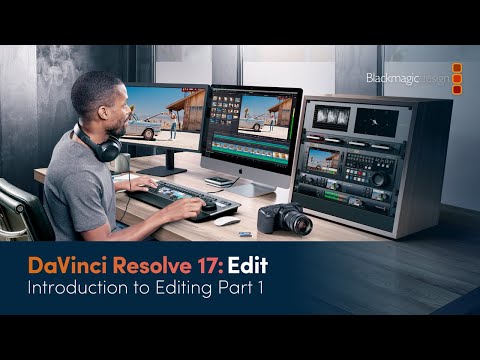
This training lesson is part of a beginner series designed to teach video editing using DaVinci Resolve 17. It focuses on helping new users understand the core editing environment and how to start building professional video projects.
Students begin by exploring the Edit page interface, including the media pool, timeline, viewer, and basic workspace layout. The lesson explains how each part of the interface works together to support a smooth editing workflow.
A major focus is fundamental editing skills such as importing media, organizing clips, placing footage on the timeline, and performing basic cuts and trims. Learners will understand how to structure a video from raw footage into a simple, clear sequence.
The training also introduces timeline management, including track organization and basic navigation tools. These skills help beginners stay organized and work more efficiently when editing larger projects.
In addition, students are introduced to essential playback controls and editing tools used in everyday video production. By the end of this lesson, learners will have a strong understanding of the DaVinci Resolve 17 editing workspace and the confidence to begin editing simple video projects.