Unreal Engine 5 Beginner Tutorial | Getting Started (2026)
عدد الدروس : 1 عدد ساعات الدورة : 01:22:31 شهادة معتمدة : نعم التسجيل في الدورة للحصول على شهادةللحصول على شهادة
- 1- التسجيل
- 2- مشاهدة الكورس كاملا
- 3- متابعة نسبة اكتمال الكورس تدريجيا
- 4- بعد الانتهاء تظهر الشهادة في الملف الشخصي الخاص بك
عن الدورة
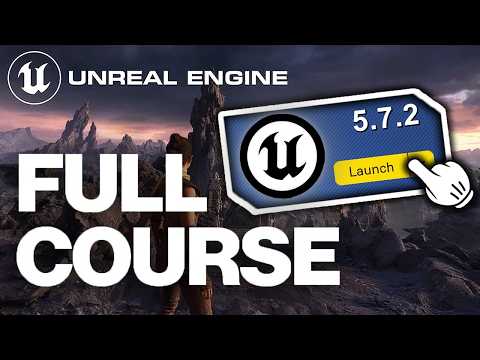
This beginner-friendly tutorial provides a step-by-step introduction to Unreal Engine 5, covering all the essentials for new users. You’ll start by downloading and installing UE5 through the Epic Games Launcher, then explore the project creation workflow and the interface.
The video walks you through viewport mechanics, including moving, rotating, and scaling objects, understanding all viewport buttons, and using the top menu bar efficiently. You’ll also learn the purpose and use of critical windows like the World Outliner, Details Window, and Content Browser.
In addition, the tutorial introduces materials, assets, and Blueprint basics, giving you insight into creating interactive elements and gameplay mechanics without coding. By the end, beginners will have a strong grasp of the UE5 interface, fundamental object manipulation, and simple Blueprint logic, preparing them to continue learning game development and advanced mechanics in Unreal Engine 5.
This tutorial is perfect for aspiring game developers looking to understand core UE5 mechanics, start prototyping games, and build confidence in navigating the engine.