Microsoft Outlook Email Management – Complete Beginner Course
عدد الدروس : 31 عدد ساعات الدورة : 09:06:23 شهادة معتمدة : نعم التسجيل في الدورة للحصول على شهادةللحصول على شهادة
- 1- التسجيل
- 2- مشاهدة الكورس كاملا
- 3- متابعة نسبة اكتمال الكورس تدريجيا
- 4- بعد الانتهاء تظهر الشهادة في الملف الشخصي الخاص بك
قائمة الدروس
عن الدورة
This Microsoft Outlook Email Management Course is a comprehensive training designed to help beginners master email organization and communication using Microsoft Outlook. It focuses on practical skills needed to manage emails efficiently in a professional environment.
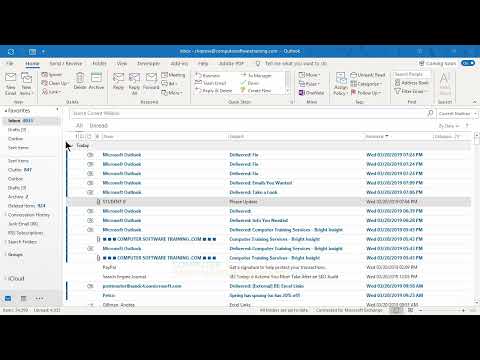
The course begins with setting up Outlook and customizing default settings to match your workflow. Learners will understand how to navigate the interface, manage inbox views, and adjust reading and display options for better usability.
It then dives into advanced email management techniques such as sorting, filtering, and using conditional formatting to organize large volumes of emails. These tools help users quickly find important messages and maintain a clean inbox.
Learners will also explore essential communication features like replying, forwarding, setting follow-ups, and managing out-of-office responses. Additional lessons cover saving, archiving, printing emails, and even advanced actions like recalling or resending messages.
The course also introduces tools like the People Pane, which provides useful contact insights for better communication.
By the end of this course, learners will be able to manage emails professionally, improve productivity, and use Outlook efficiently for daily business