MacOS Quick Basics Course (Finder, Dock & Essential Shortcuts)
عدد الدروس : 6 عدد ساعات الدورة : 00:02:10 شهادة معتمدة : نعم التسجيل في الدورة للحصول على شهادةللحصول على شهادة
- 1- التسجيل
- 2- مشاهدة الكورس كاملا
- 3- متابعة نسبة اكتمال الكورس تدريجيا
- 4- بعد الانتهاء تظهر الشهادة في الملف الشخصي الخاص بك
قائمة الدروس
عن الدورة
This macOS quick basics course from Nettleton Tech is designed to teach beginners the essential tools needed to navigate and use a Mac efficiently. It focuses on simple, practical actions that form the foundation of everyday computer use.
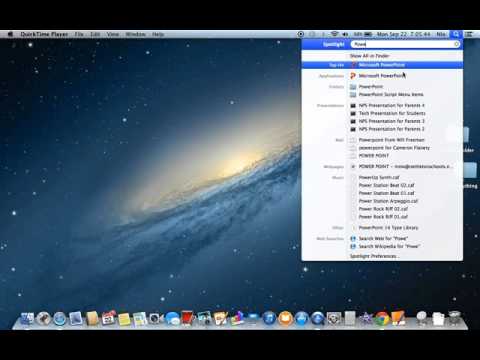
The course begins with an introduction to the Dock and Spotlight, two of the most important features in macOS. You will learn how to quickly open applications, search for files, and access system functions with ease.
Next, the course explains how to use Finder, which is the main file management system on Mac. You will understand how to browse files, organize documents, and manage folders effectively.
A key lesson covers creating new folders, helping you keep your files structured and easy to access. This is essential for maintaining a clean and organized workspace.
The course also introduces the force quit function, teaching you how to close unresponsive applications safely without restarting your system.
By the end of this course, you will have a solid understanding of the most important macOS tools, allowing you to navigate your Mac faster and perform basic tasks with confidence and efficien