macOS Beginner Essentials (Dock, Finder, Spotlight & System Tools)
عدد الدروس : 40 عدد ساعات الدورة : 04:37:34 شهادة معتمدة : نعم التسجيل في الدورة للحصول على شهادةللحصول على شهادة
- 1- التسجيل
- 2- مشاهدة الكورس كاملا
- 3- متابعة نسبة اكتمال الكورس تدريجيا
- 4- بعد الانتهاء تظهر الشهادة في الملف الشخصي الخاص بك
قائمة الدروس
عن الدورة
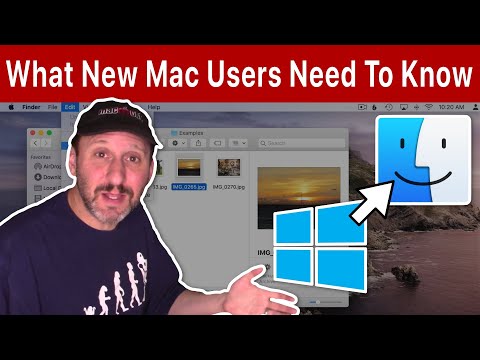
This macOS beginner essentials course from macmostvideo is designed to help new users understand the core tools of macOS and navigate their system with confidence. It focuses on the most important features that form the foundation of everyday Mac usage.
The course begins with the Mac Dock, where you will learn how to launch apps, organize shortcuts, and manage running applications efficiently. Understanding the Dock is key to fast navigation.
Next, you will explore the Menu Bar, which provides quick access to system controls, app settings, and notifications. This helps you manage your Mac more effectively.
A major section covers Spotlight, one of the most powerful macOS tools. You will learn how to quickly search for files, apps, and even perform calculations and system commands.
The course also introduces Launchpad, making it easy to view and organize all installed applications in one place.
You will learn about Finder views, helping you browse files in different layouts for better organization and workflow.
Finally, the course explains the Trash system and System Preferences, teaching you how to manage files and customize your Mac settings.
By the end, you will have a strong understanding of essential mac