macOS Tahoe Beginner Guide (2026) | Ultimate Mac Setup & Basics Course
عدد الدروس : 1 عدد ساعات الدورة : 00:49:36 شهادة معتمدة : نعم التسجيل في الدورة للحصول على شهادةللحصول على شهادة
- 1- التسجيل
- 2- مشاهدة الكورس كاملا
- 3- متابعة نسبة اكتمال الكورس تدريجيا
- 4- بعد الانتهاء تظهر الشهادة في الملف الشخصي الخاص بك
عن الدورة
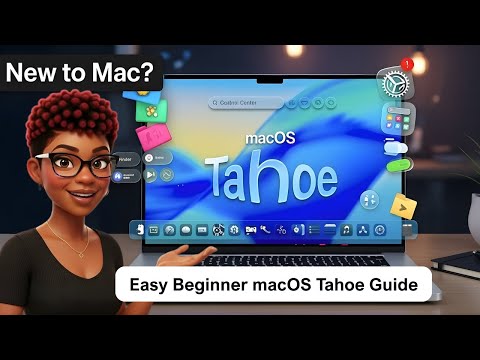
This macOS Tahoe beginner guide is designed for users who are new to Mac and want a clear, structured introduction to the system. It walks you through the essential tools and features you need to start using your Mac confidently in 2026.
The course begins with basic setup, including initial system configuration, Apple Account sign-in, and understanding the macOS interface. You will learn how to navigate the desktop, use the Dock, and interact with system menus efficiently.
A major focus is on Finder, Spotlight, and Control Center—three core tools that help you manage files, search your system, and control settings quickly. These features form the foundation of everyday macOS usage.
The guide also introduces multitasking features such as Split View and multiple desktops, helping you work on several tasks at once.
You will also explore system customization, including display settings, notifications, and accessibility options to personalize your Mac experience.
By the end of this course, you will understand how macOS Tahoe works, how to navigate it smoothly, and how to use essential tools to improve productivity and workflow.
This is the perfect starting point for anyone