SUAPP AIR for SketchUp Course – Rendering, AI Tools & Visualization Workflow
عدد الدروس : 52 عدد ساعات الدورة : 01:08:19 شهادة معتمدة : نعم التسجيل في الدورة للحصول على شهادةللحصول على شهادة
- 1- التسجيل
- 2- مشاهدة الكورس كاملا
- 3- متابعة نسبة اكتمال الكورس تدريجيا
- 4- بعد الانتهاء تظهر الشهادة في الملف الشخصي الخاص بك
قائمة الدروس
عن الدورة
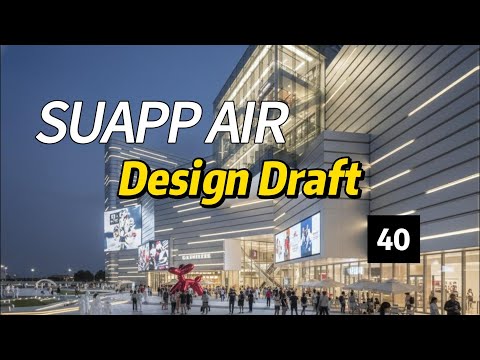
This course introduces SUAPP AIR, a powerful plugin system for SketchUp that enhances rendering, visualization, and workflow efficiency. It is designed for users who want to improve their architectural presentation quality using AI-assisted tools.
You will start by learning how to register and install SUAPP AIR properly inside SketchUp. This ensures that the plugin is correctly set up and ready to use for all features.
Next, the course covers essential functions such as importing images and generating render outputs. These tools help you turn basic SketchUp models into visually appealing presentations quickly and efficiently.
You will also learn how to save and manage images, organize your work history, and use batch processing features to improve productivity when handling multiple projects.
A key part of the course focuses on composition techniques and rendering styles, allowing you to create professional-quality architectural visuals with better lighting and layout.
In more advanced lessons, you will explore AI-related features such as weights and prompt words, which help guide rendering results for more accurate and creative outputs.
By the end of this course, you will be able to use SUAPP AIR confidently to enhance your SketchUp models with advanced visualization, rendering, and AI-powered design tools.