MacOS for Beginners – Complete Mac Tutorial & Essential Skills
عدد الدروس : 178 عدد ساعات الدورة : 05:52:55 شهادة معتمدة : نعم التسجيل في الدورة للحصول على شهادةللحصول على شهادة
- 1- التسجيل
- 2- مشاهدة الكورس كاملا
- 3- متابعة نسبة اكتمال الكورس تدريجيا
- 4- بعد الانتهاء تظهر الشهادة في الملف الشخصي الخاص بك
قائمة الدروس
عن الدورة
This MacOS for Beginners course is designed to help new users quickly understand and master the essential features of Apple’s macOS operating system. It focuses on practical, everyday tasks that make using a Mac easier, faster, and more productive.
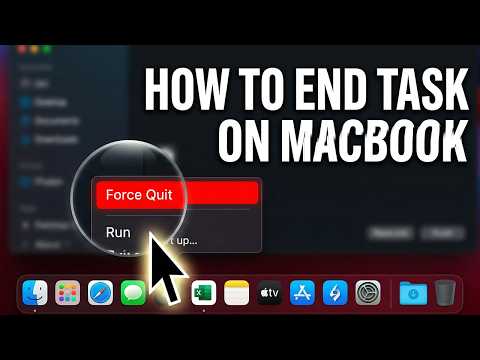
You will start by learning basic system management skills such as how to end unresponsive tasks on your MacBook and manage system performance efficiently. The course also covers how to free up disk space safely, helping you keep your Mac running smoothly.
Next, you will explore important account and personalization settings, including how to change your Apple ID and manage your user profile. These steps are essential for securing and customizing your Mac experience.
The course also teaches productivity features such as voice dictation, allowing you to type using your voice, and working with files like downloading PDFs using browsers such as Safari and Chrome.
In addition, you will learn useful document tools like creating and inserting digital signatures on macOS, especially for apps like Word. You will also discover how to manage desktop visibility, including showing your hard drive on the desktop for faster access.
By the end of this course, you will be comfortable navigating macOS, managing system tools, and performing essential daily tasks with confidence and efficiency.