
This macOS tips and tricks course is designed to help users improve their daily workflow by mastering essential features and shortcuts. It focuses on practical tools that make using a Mac faster, easier, and more efficient.
You will start by learning how to use Finder effectively, allowing you to manage files and folders quickly. The course also covers Spotlight search, helping you find files, apps, and information instantly.
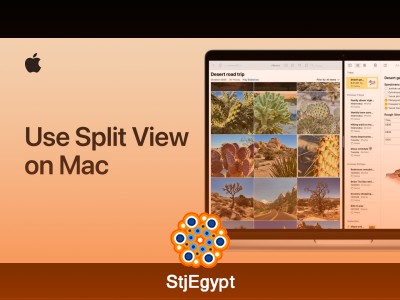
Next, you will explore Split View, a powerful multitasking feature that lets you work with two apps side by side. This is especially useful for productivity tasks such as writing, browsing, or comparing documents.
You will also learn how to take screenshots and record your screen, which is useful for tutorials, presentations, and saving important information. Screen sharing is another key feature covered in this course, allowing you to collaborate or present your screen easily.
The course includes system optimization tips such as freeing up hard disk space and managing storage efficiently. In addition, you will discover useful features like Hot Corners and leaving messages on the lock screen for quick reminders.
By the end of this course, you will have a strong understanding of essential macOS tools and be able to use your Mac more productively in everyday tasks.