
This Jenkins pipeline tutorial is designed for beginners and intermediate learners who want to understand how to build modern CI/CD workflows using Jenkins. The course focuses on practical pipeline development using Jenkins and real-world DevOps automation techniques.
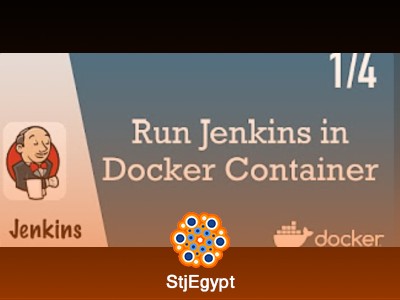
Learners begin by running Jenkins inside a Docker container, which simplifies installation and provides a consistent environment for CI/CD workflows. The course then introduces multibranch pipelines integrated with Git repositories, allowing automatic detection and execution of different branches.
A key part of the training is learning how to write and understand a Jenkinsfile. This file defines the entire CI/CD pipeline as code, including build, test, and deployment stages.
Students also learn how to trigger Jenkins builds automatically based on repository changes, enabling fully automated workflows without manual intervention.
The course further explains how to configure build tools inside Jenkins and integrate them into Jenkinsfiles for consistent execution across environments.
By the end of the course, learners will be able to design, write, and manage Jenkins pipelines, automate builds using Docker, and implement CI/CD workflows using Jenkins in real-world projects.