CapCut Video Editing Tutorial for Beginners (2026) – Full Course
عدد الدروس : 1 عدد ساعات الدورة : 01:33:48 شهادة معتمدة : نعم التسجيل في الدورة للحصول على شهادةللحصول على شهادة
- 1- التسجيل
- 2- مشاهدة الكورس كاملا
- 3- متابعة نسبة اكتمال الكورس تدريجيا
- 4- بعد الانتهاء تظهر الشهادة في الملف الشخصي الخاص بك
عن الدورة
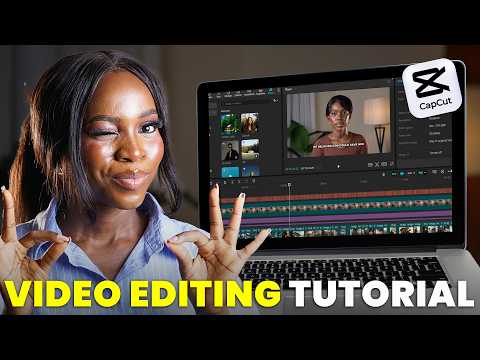
The CapCut Video Editing Tutorial for Beginners (2026) is a full-length course designed to help new users confidently start editing videos using the latest version of CapCut. Whether you are creating content for YouTube, TikTok, Instagram, or personal projects, this course provides a step-by-step introduction to the editing process.
The tutorial begins with an overview of the interface and essential tools, teaching how to import footage, organize clips, trim and split videos, and build a clean timeline. Students learn to add transitions, effects, filters, and text overlays to create visually engaging content. The course also covers subtitles, auto-captions, keyframes, speed control, and basic color correction to improve production quality.
Audio editing techniques are explained clearly, including adding background music, adjusting volume levels, syncing audio, and recording voiceovers. Export settings and optimization tips for different social media platforms are also incl