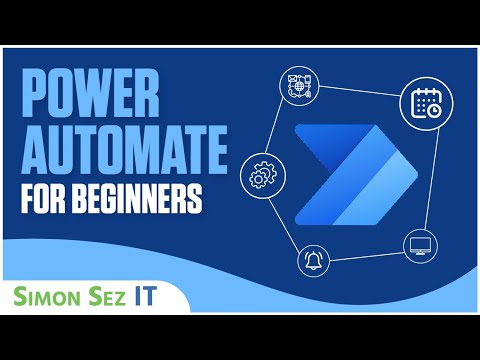
Microsoft Power Automate Tutorial for Beginners – Create Flows from Scratch
عدد الدروس : 1 عدد ساعات الدورة : 00:45:01 شهادة معتمدة : نعم التسجيل في الدورة للحصول على شهادةللحصول على شهادة
- 1- التسجيل
- 2- مشاهدة الكورس كاملا
- 3- متابعة نسبة اكتمال الكورس تدريجيا
- 4- بعد الانتهاء تظهر الشهادة في الملف الشخصي الخاص بك
قائمة الدروس
عن الدورة
This beginner-friendly tutorial by Simon Sez IT introduces Microsoft Power Automate, a powerful automation tool that connects your favorite apps and services to streamline tasks. In just 45 minutes, learners will gain a full understanding of how to navigate the Power Automate interface, explore different types of flows, and create automated workflows from templates or scratch.
The course covers three main types of flows: Automated Flows, Scheduled Flows, and Instant Flows, showing practical examples for each. You will also learn to use dynamic content fields effectively and implement document approval flows, providing hands-on experience with real-world automation scenarios.
By the end of this tutorial, learners will be able to design workflows that save time, reduce manual tasks, and increase efficiency. Whether it’s syncing files, automating approvals, or creating custom flows, this course equips you with the foundational skills needed to start automating your processes immediately.
Perfect for beginners, this course emphasizes practical application, making it easy to implement Power Automate in your personal or business projects. Enhance your skills and get started on building smarter workflows with confidence.