HubSpot Beginner Tutorial – CRM Setup, Leads, Tracking & Basics (2026)
عدد الدروس : 12 عدد ساعات الدورة : 00:31:12 شهادة معتمدة : نعم التسجيل في الدورة للحصول على شهادةللحصول على شهادة
- 1- التسجيل
- 2- مشاهدة الكورس كاملا
- 3- متابعة نسبة اكتمال الكورس تدريجيا
- 4- بعد الانتهاء تظهر الشهادة في الملف الشخصي الخاص بك
قائمة الدروس
عن الدورة
This HubSpot beginner tutorial playlist is designed for users who are starting with CRM systems for the first time. It provides a simple step-by-step guide to setting up and using the HubSpot CRM effectively for managing contacts, leads, and sales activities.
The course begins with the basics of connecting your HubSpot account, including setting up your dashboard and navigating the main interface. You will also learn how to install the HubSpot tracking code on your website, which helps monitor visitor activity and generate leads.
Next, the tutorials explain how to connect your email inbox to HubSpot, allowing you to manage communication directly inside the CRM. This helps keep all customer interactions in one place for better organization.
The series also covers lead management in the free CRM, showing how to track, organize, and update contacts and deals efficiently. You will learn how to create companies, manage user access, and organize teams for better workflow.
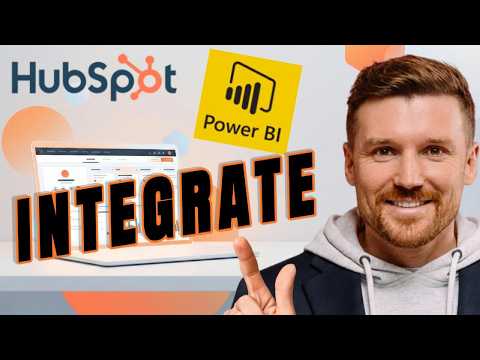
In addition, the tutorials explain how to customize saved views and manage CRM records, making it easier to filter and analyze your data. There is also a guide on connecting HubSpot with Power BI for advanced reporting and analytics.
This guide is ideal for beginners, small business owners, and anyone who wants to learn CRM basics and start managing customers professionally using