Windows & Photobooth Device Maintenance Course
عدد الدروس : 7 عدد ساعات الدورة : 00:16:57 شهادة معتمدة : نعم التسجيل في الدورة للحصول على شهادةللحصول على شهادة
- 1- التسجيل
- 2- مشاهدة الكورس كاملا
- 3- متابعة نسبة اكتمال الكورس تدريجيا
- 4- بعد الانتهاء تظهر الشهادة في الملف الشخصي الخاص بك
قائمة الدروس
عن الدورة
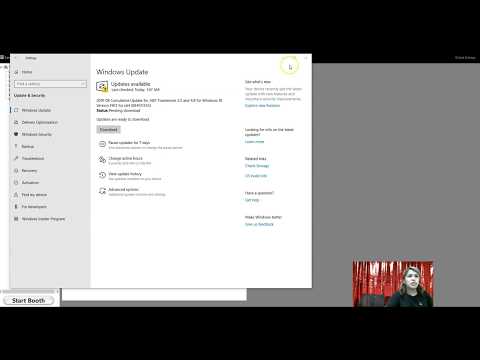
This Windows & Photobooth Device Maintenance course is designed to teach beginners and tech support personnel how to manage and maintain Windows systems and Photobooth devices effectively. The course begins with an explanation of the importance of Windows updates and why keeping your system up-to-date is crucial for security and performance.
You will learn how to turn off automatic Windows updates when needed and how to adjust Power & Sleep settings for optimal device performance. The course also provides a practical guide to installing drivers, such as the DNP Rx 1 HS driver on Windows tablets, ensuring that your hardware works properly.
Additionally, you will learn how to reset Surface Pro devices safely, deactivate Darkroom Booth activation codes, and update TeamViewer for Photobooth remote support. Each module focuses on practical, step-by-step guidance to make tasks easy and efficient.
By the end of the course, you will have the skills to maintain Windows systems and Photobooth devices, troubleshoot issues, and provide effective technical support, making this course ideal for IT support technicians and beginners in device maintenance.


